
- Overview
- Features
- Screenshots
- FAQ

Overview
Safety and performance when driving/riding means that it’s vital to keep your vehicle’s tyres at the correct pressure but many of us have no idea what they are! They may be printed on a dirty and damaged label in the car door frame, maybe under the motorcycle seat to which your tent is currently strapped or perhaps on the bicycle handbook in a drawer at home - but you need them now! That’s why I created Pressured.
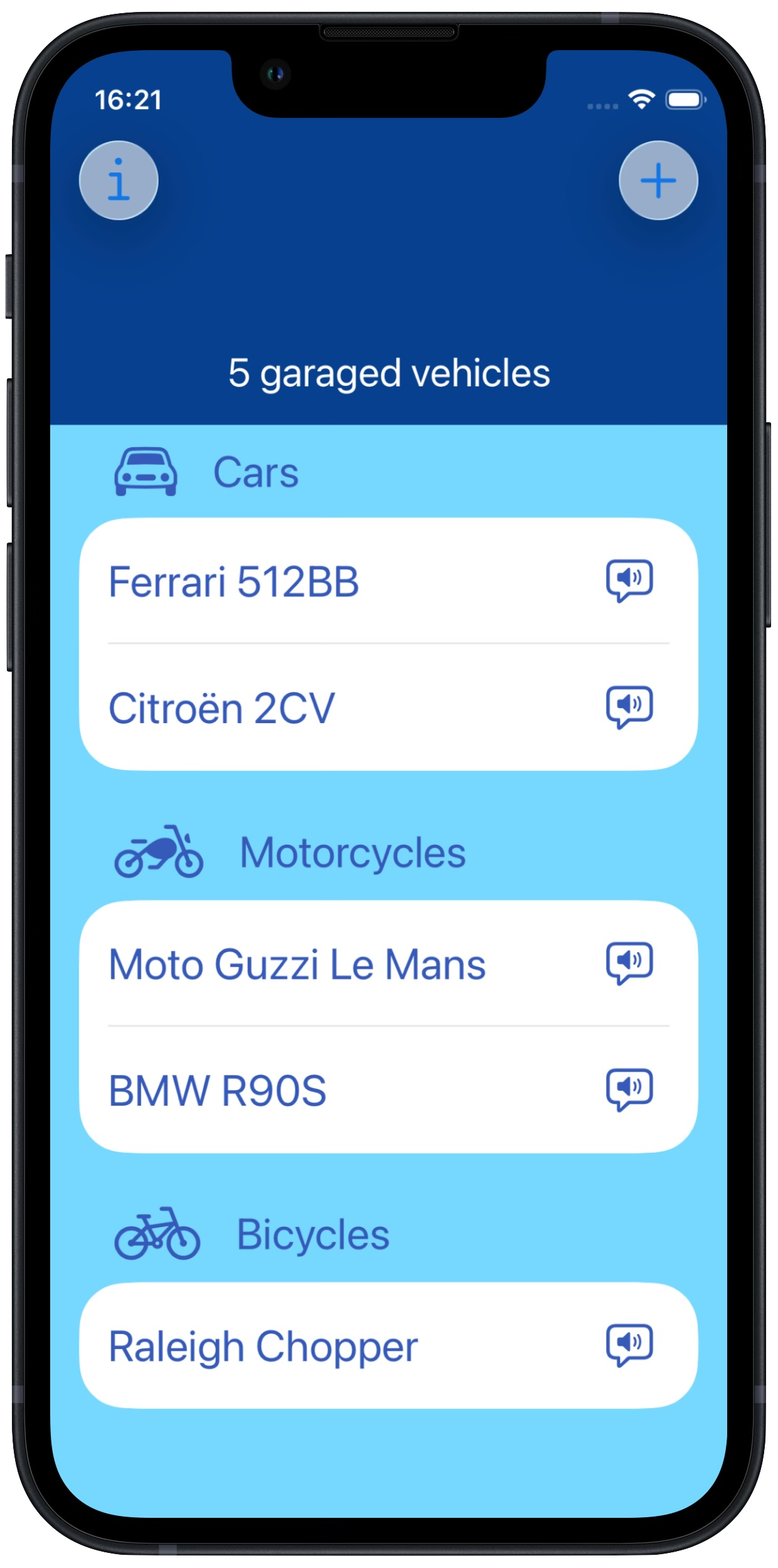
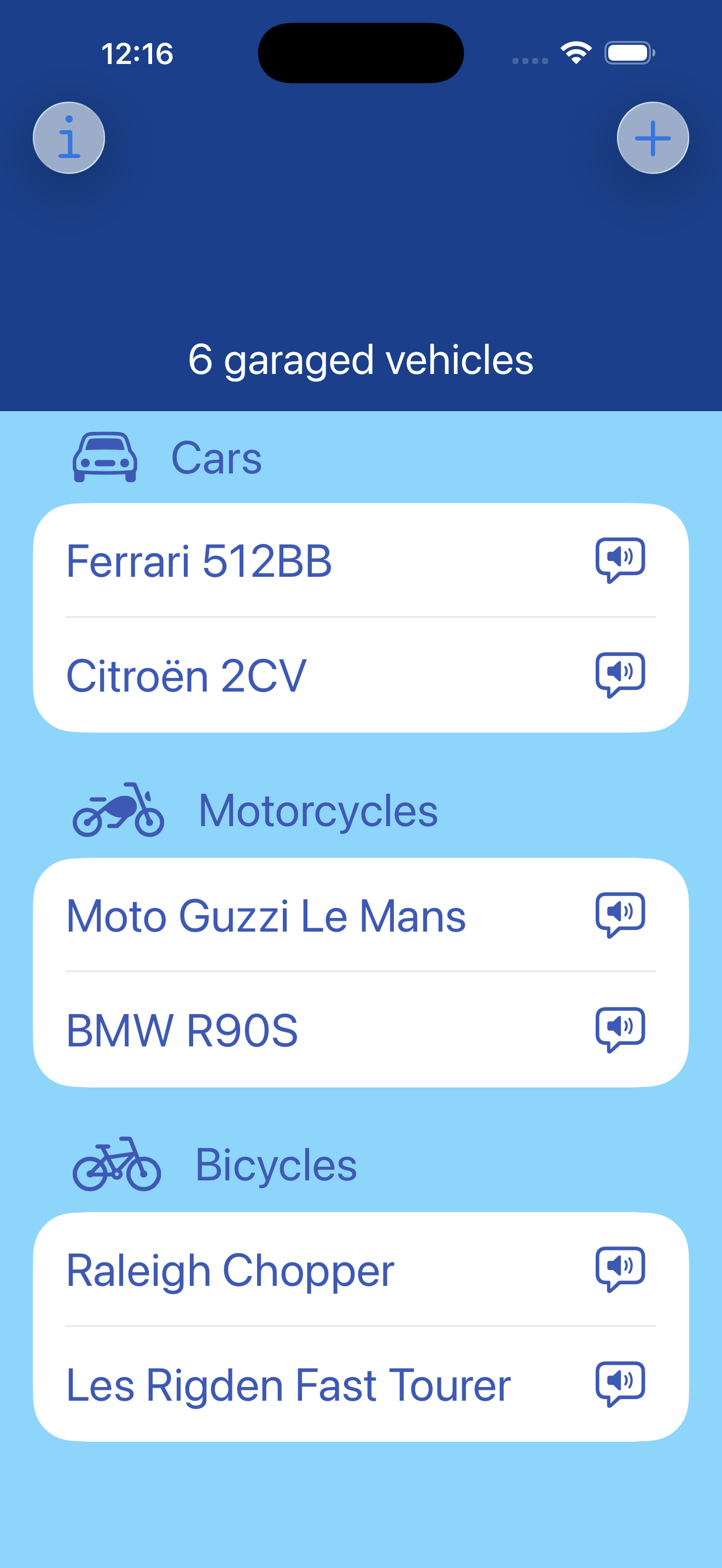
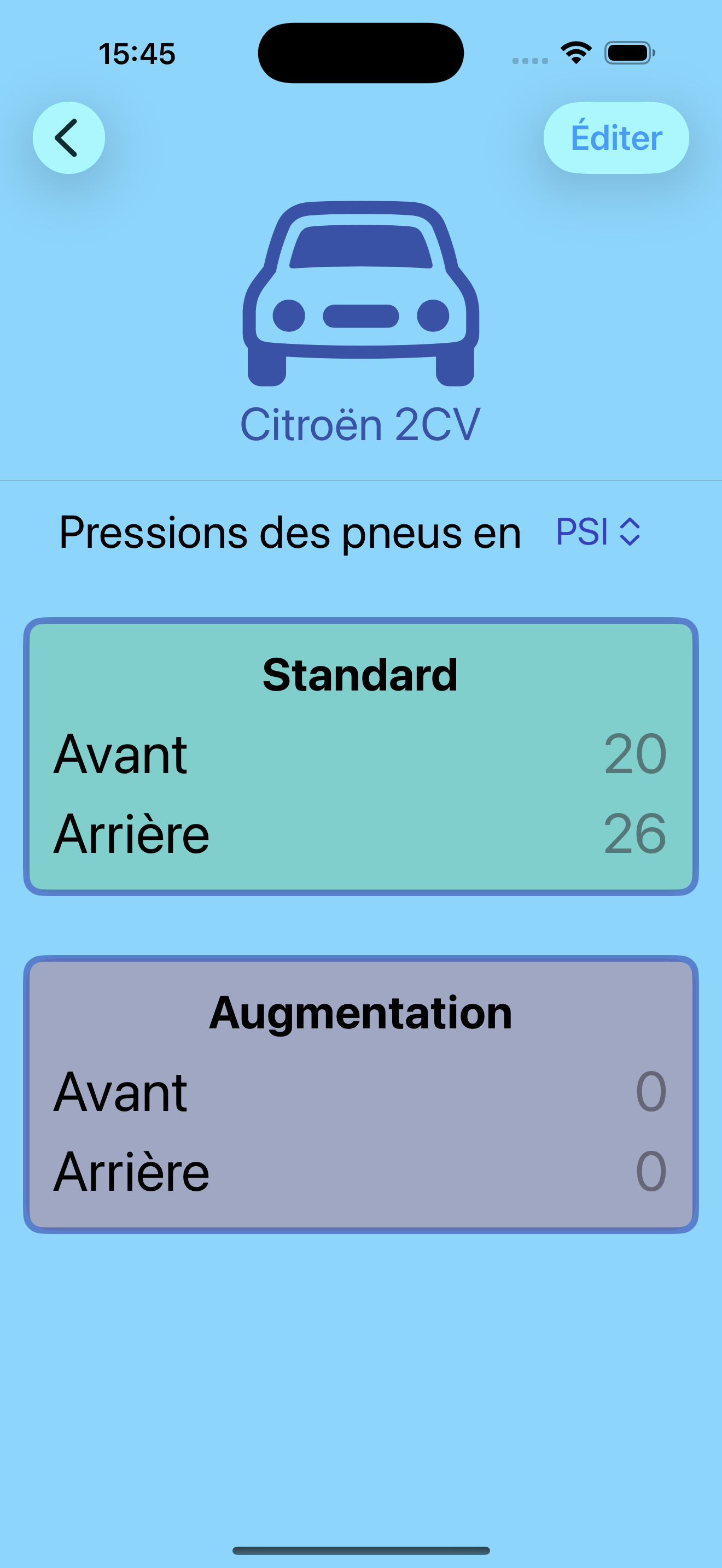
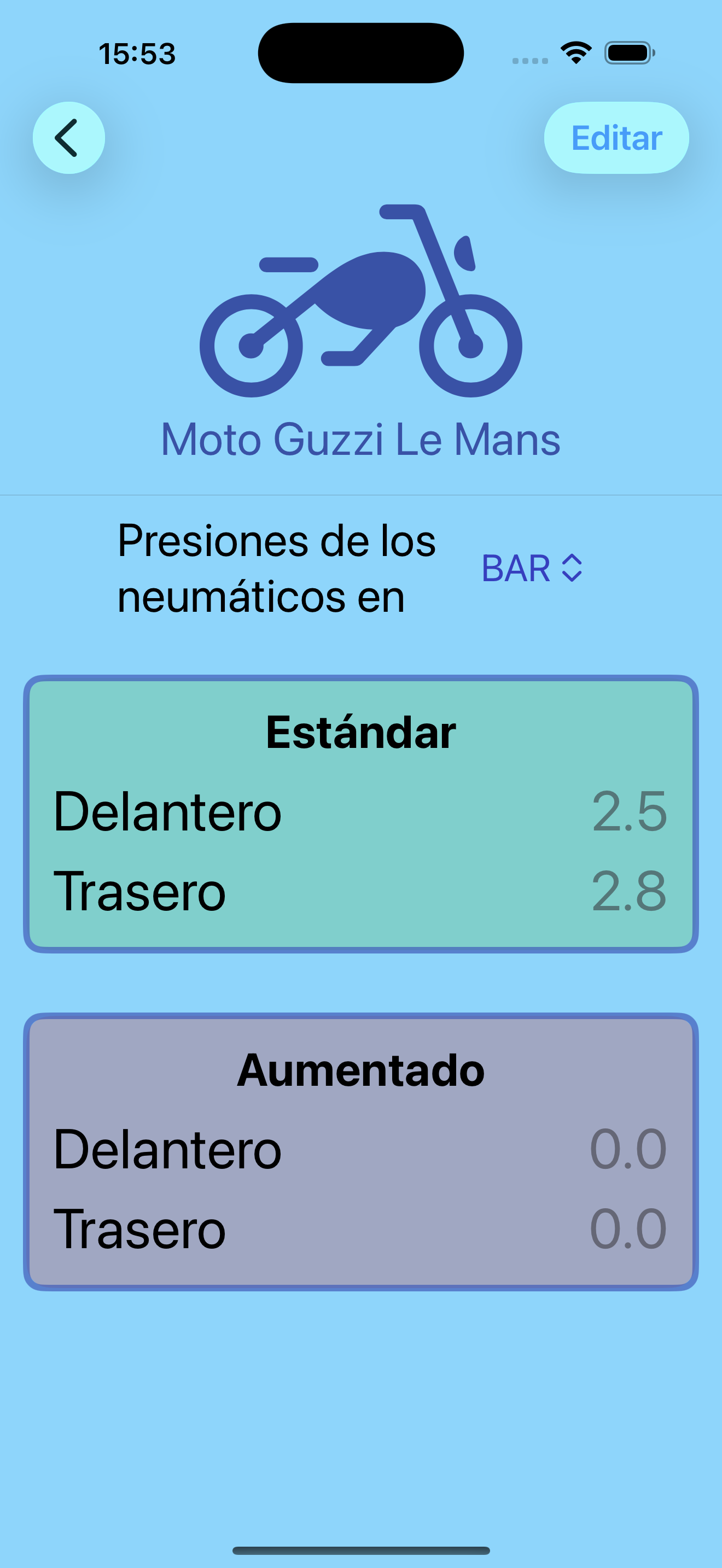
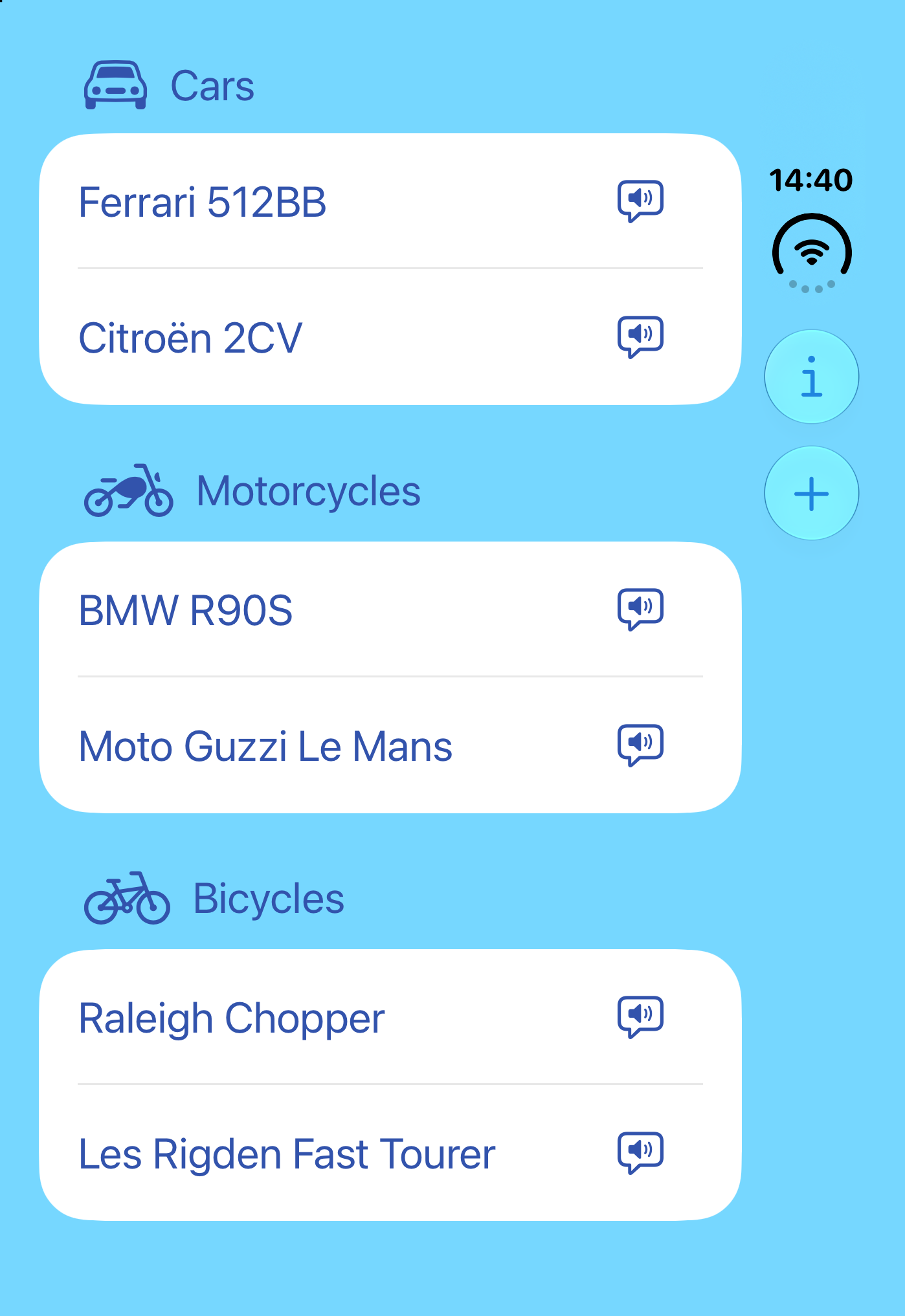
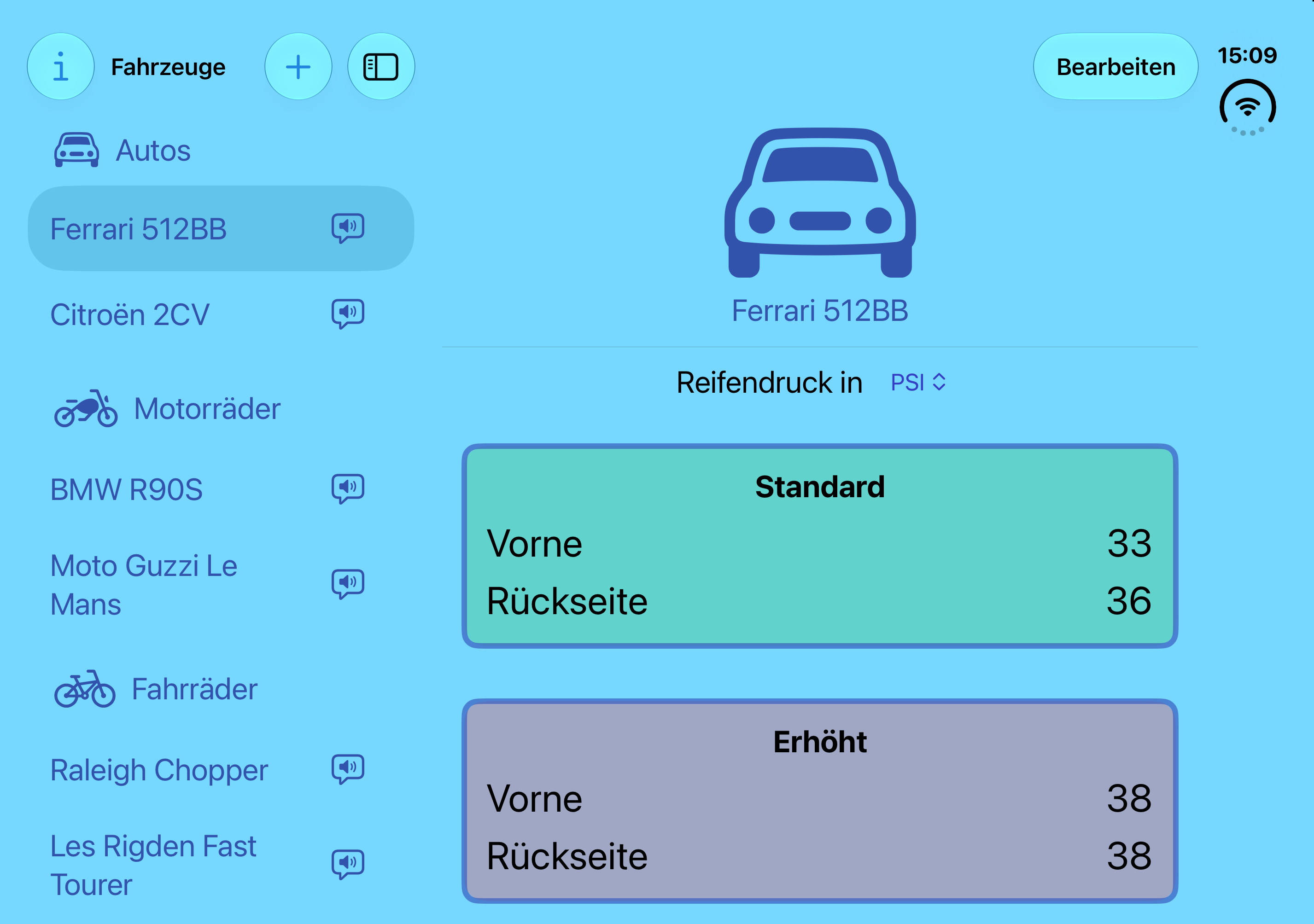
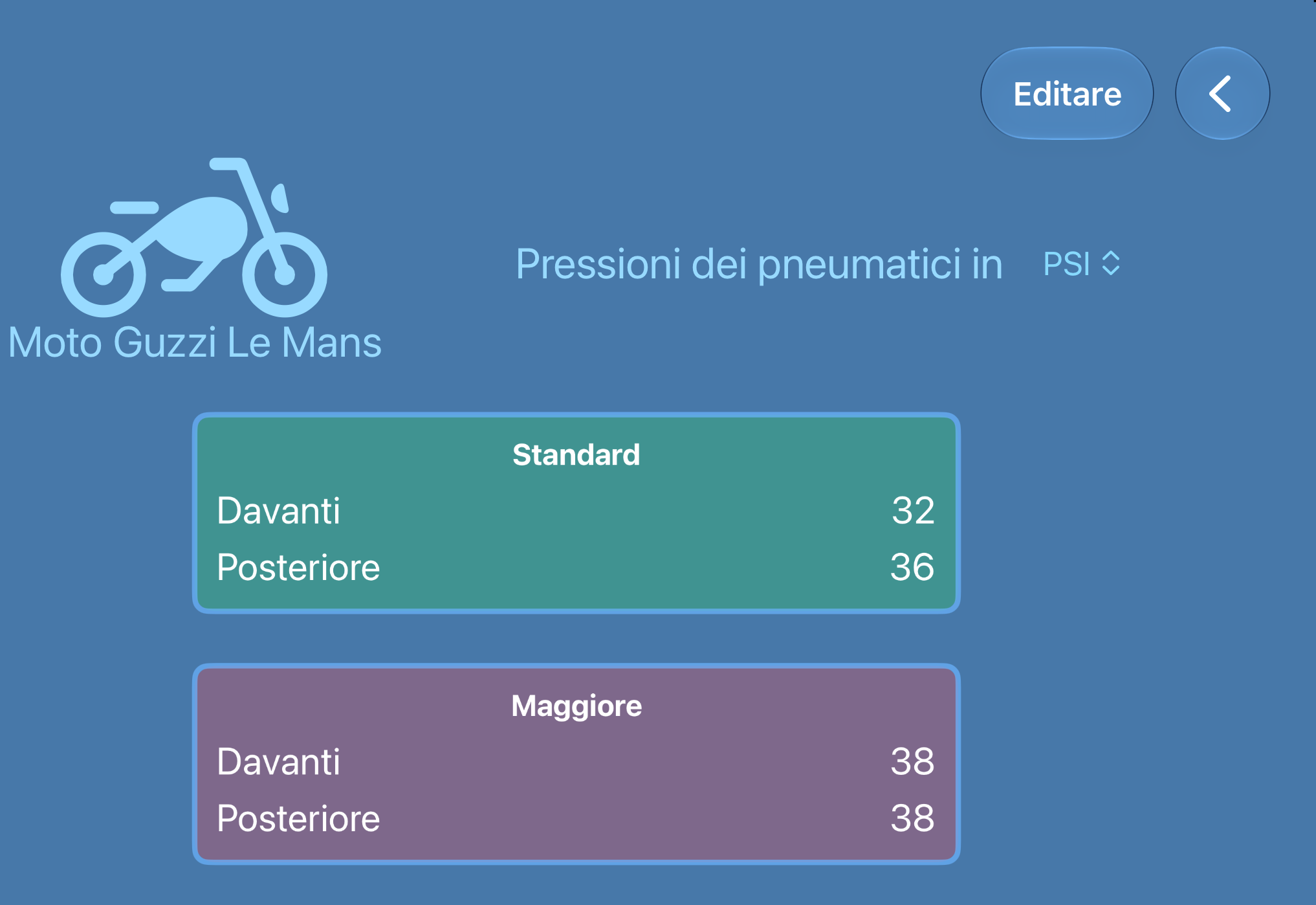
The app lets you keep the Standard and Increased pressures for all the vehicles in your “virtual garage” for quick and easy viewing.
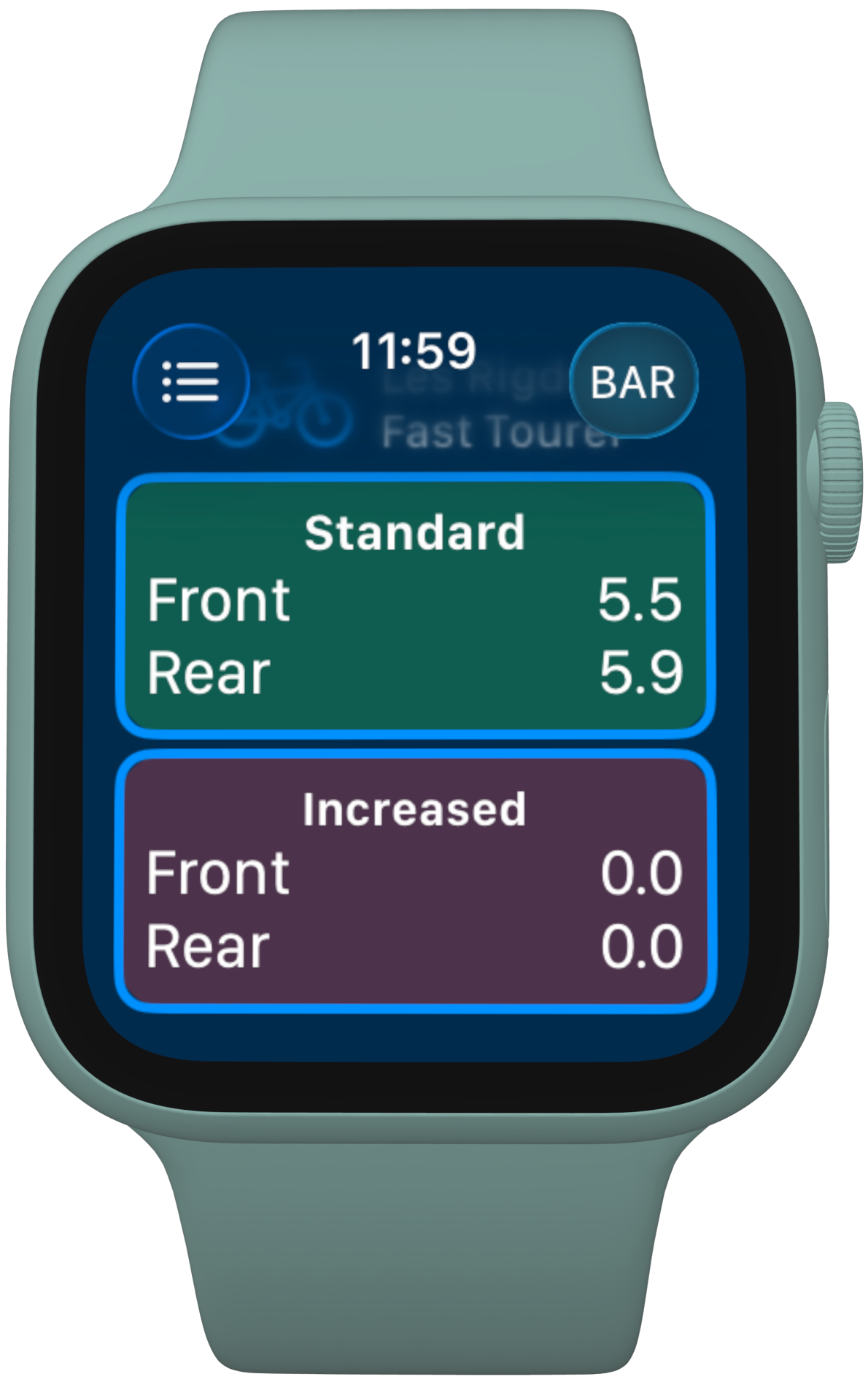
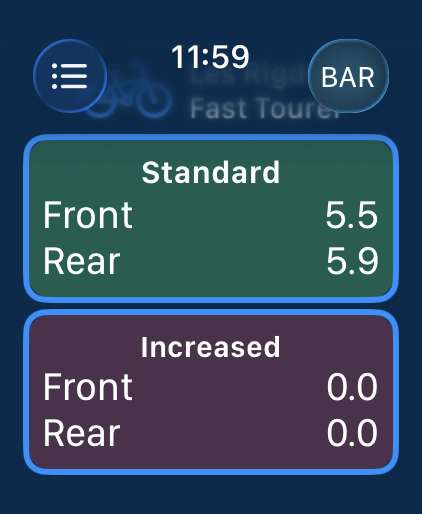
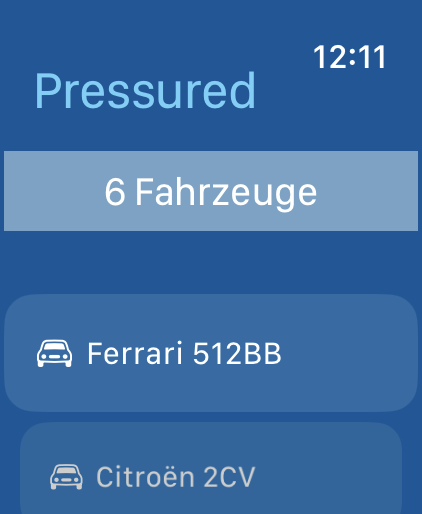
There’s a companion Apple Watch app so you can see what you need while you’re wrestling with the air hose and valve caps in the rain at night without needing to juggle your iPhone as well!
If your pressures are stored in PSI but the garage’s air machine only shows Bar then the app can show you the Bar equivalent at the tap of a button. Try doing that in Apple Notes. 🤨
Pressured is written using Apple’s latest development tools, looks great with Liquid Glass and has a little whimsy thrown in too. It also supports Apple’s Accessibilty.
Requirements:
☞ Works with iPhone, iPhone Duo and Apple Watch
☞ Requires iOS 26/watchOS 26
Features
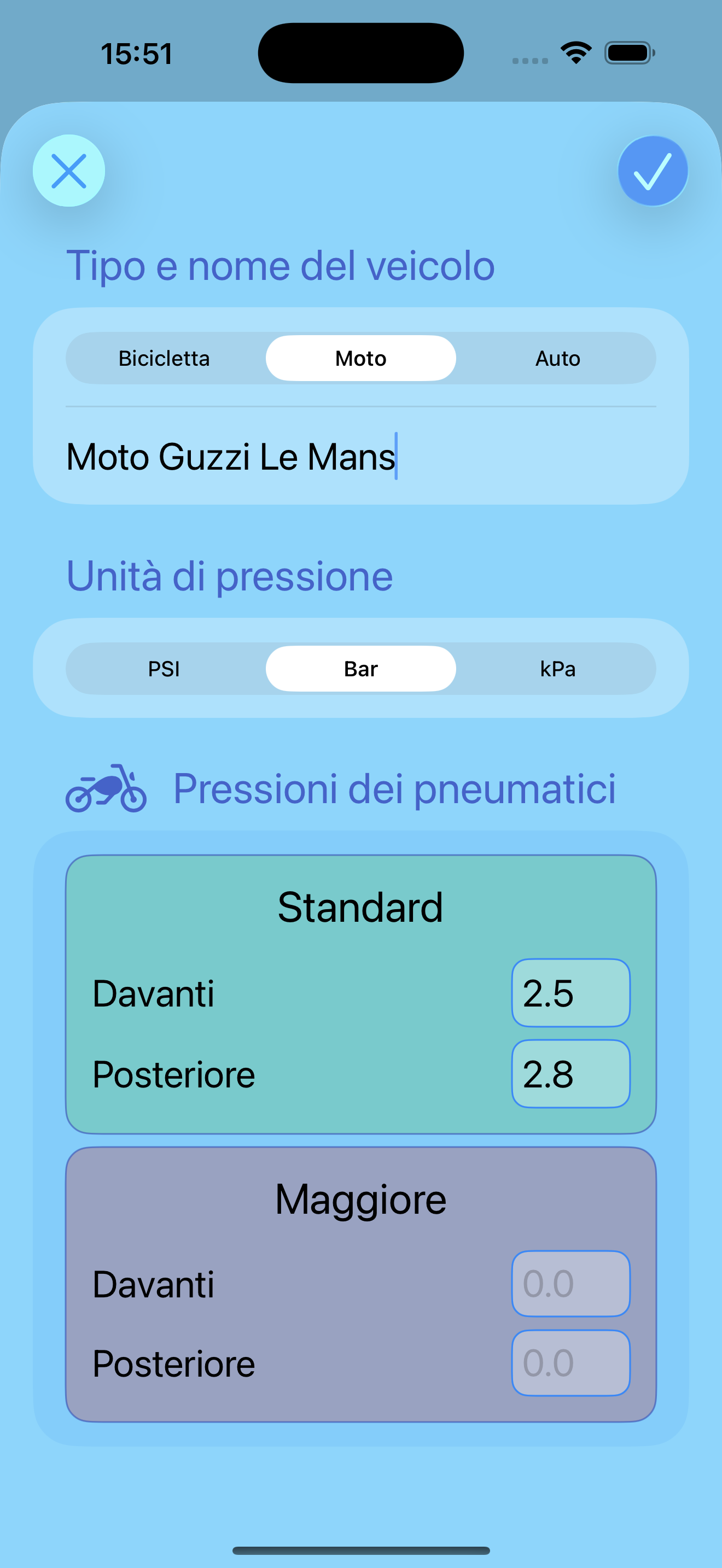
Quick and easy data entry
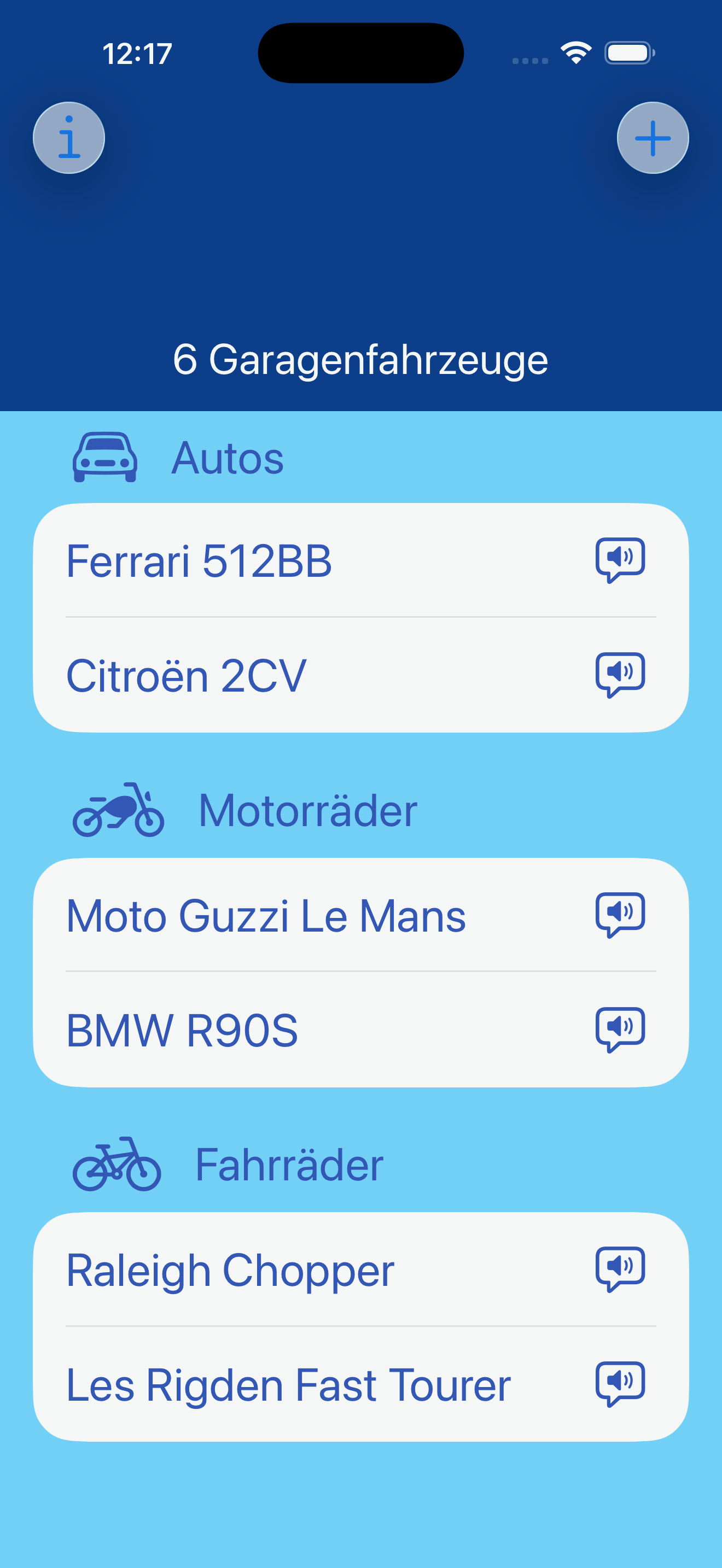
See stored vehicle details at a glance
Supports pressures in PSI, Bar and kPa
Access details using Apple Shortcuts
Companion Apple watch app
Handy spoken summary for vehicles from vehicle list
Prevents entry of duplicate vehicles
Asks for confirmation if the entered pressure values seem unusual
Accessibility support
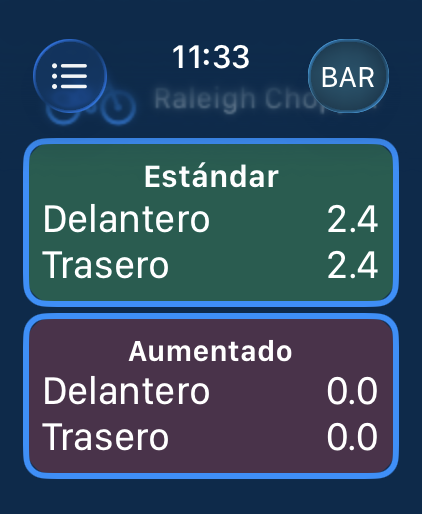
Languages: English, French, Italian, German and Spanish
Dark Mode support
Screenshots
FAQ
What do the speech bubble buttons on the vehicle list do?
They provide a quick spoken summary of the vehicle details entered for that vehicle.
Is there a limit to how many vehicles I can store?
Not really.
Why is there a menu for changing the Pressure Unit on the detail screen?
When you add a vehicle, you associate one Pressure Unit (PSI, Bar or kPa) with it which is how that vehicle’s pressures will appear by default. If you need to temporarily convert the pressure from, say PSI to kPa then tap the menu to change the values.
What are the pressure ranges that are considered usual?
For a bicycle, between 70 and 140 PSI (4.8 and 9.7 Bar).
For a car or motorcycle, between 20 and 50 PSI (1.0 and 2.8 Bar).
If you find that they don’t work for you then let me know and I’ll add a user preference to set them in a future release. 😉
How do I use Pressured with Shortcuts?
At present, one action is provided - “Tyre Pressures for Vehicle” and you need to supply:
* The Pressure Type (Standard or Increased)
* The Pressure Unit (PSI, Bar or kPa)
* The vehicle name (case is ignored)
Details are returned in a single line of text.
How do I use the Apple Watch app?
The two main views mirror what you see in the iPhone app.
The watch data is Read Only.
On the detail screen, tap the button in the top right to change the Pressure Unit and display the recalculated pressures.
Why does VoiceOver not announce a pressure unit change on Apple Watch?
It seems that there is a bug with VoiceOver on Apple Watch. Though tapping the button changes the unit and the button text matches the changed Pressure Unit (PSI, BAR or kPa) Voiceover does not recognise this change and continues to read out PSI every time. I have therefore added the correct unit to the pressure reading text i.e. “Standard pressures in BAR”.
Why do the vehicles on my watch not accurately reflect what is on iPhone?
Regrettably there is currently a bug with the Pressured app on Apple watch where it can get out of sync with the contents of the “garage” on iPhone. Try killing Pressured on the watch and try again. It nearly always corrects itself in time but if not let me know. I’m aware of this and looking into it.